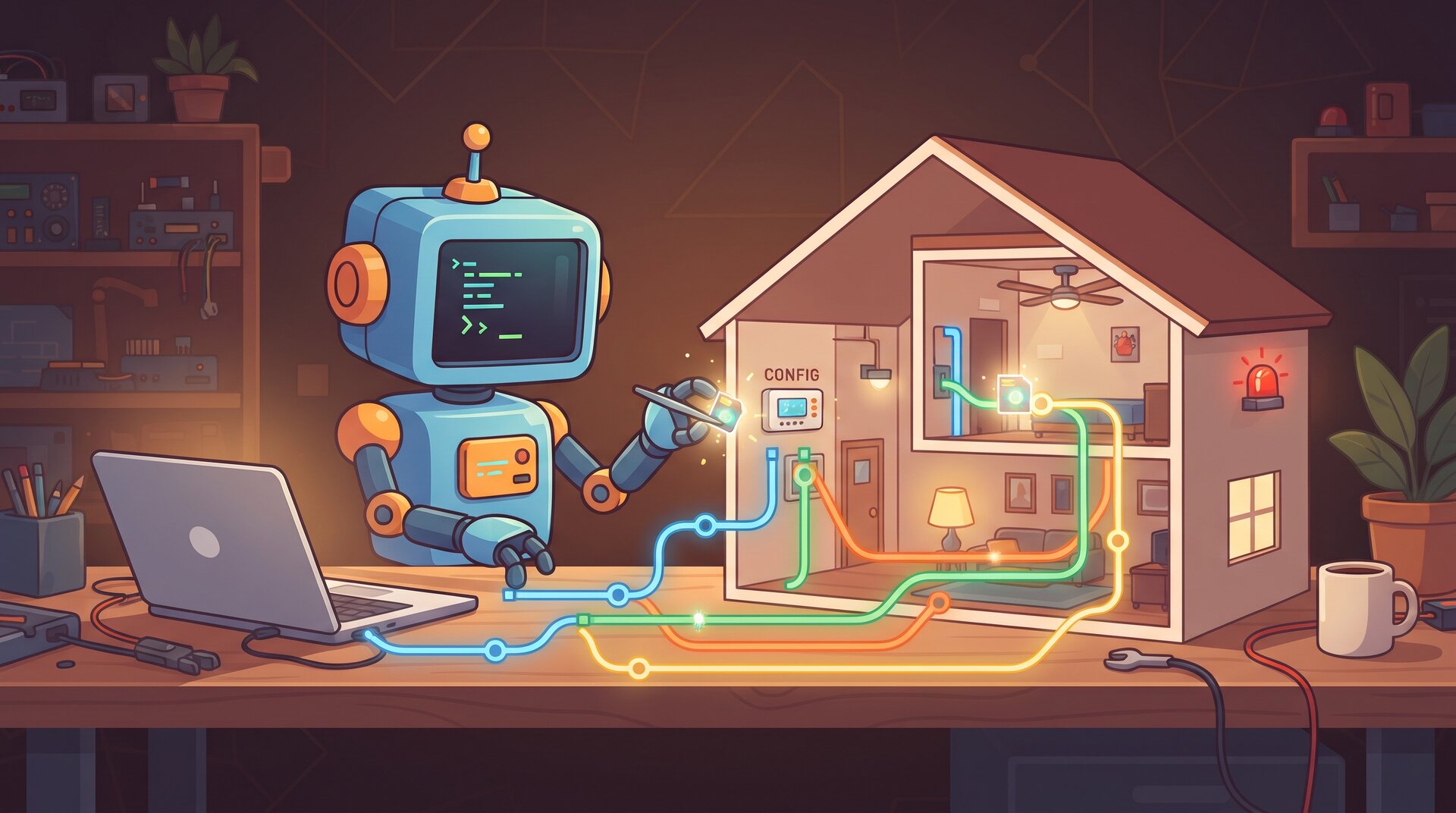
Everybody wants to run Home Assistant with an AI agent now, and the setups I see are towers: an app inside HA, an MCP server, sync jobs, a git push at night. Mine has been boring since April, and boring is the point.
The whole configuration lives in a git repository on my machine. Claude Code
edits plain files there with its normal tools, push.sh sends them to Home
Assistant OS with tar over SSH and runs ha core check, then a targeted
reload. pull.sh brings back what I changed in the UI, file by file, three
ways, and a file changed on both sides stops the push instead of losing
someone’s edit. Registries go through the WebSocket API. Credentials stay out
of git through a clean filter. Nothing is installed inside Home Assistant.
Who it is for
Against the alternatives, the difference is the setup and who it assumes. The
setup is three things you already know: git, SSH, a token. No app to keep
updated inside HA, no integration with its own permissions, no sync daemon.
And it assumes a system administrator who knows what they are doing, because
it hands the agent root on the host. That is where the power comes from: the
agent works with the same shell you would, the ha CLI, the logs, the
backups, the core itself. The same access is the risk: a wrong command over
that shell can do damage no YAML edit can. It is for power users. If root on
your HA host makes you nervous, the in-HA options listed in the README are the
right call.
What eight months taught
About 175 commits on my own house went into CLAUDE.md and docs/, and those
are the part worth stealing:
- Every change is a commit: a diff before it reaches the house, a message
that says why,
git revertwhen it was wrong. - The recorder: how it grows, how to read history, how to get back history older than the retention from the backups.
.storagesurgery: the one safe way to hand-edit HA’s internal state: core stopped, backup, edit, start. A tool that lives inside the core cannot stop the core it runs in.- Registry orphans: a deleted automation stays in the registry with its labels, and an orphan can quietly flip a switch that depends on them.
The honest part
Root on the host means port 22222, the SSH server Home Assistant OS
documents for developers,
key-only, and the README quotes that page rather than spin it. It versions
YAML, not what the UI stores in .storage. Pushes are not atomic: the check
runs after the files are on disk. The README lists all of it, next to the
alternatives (the Git pull app, Studio Code Server, the MCP integrations),
each described by its own docs.
Try it
git clone https://github.com/vjt/claude-ha my-ha && cd my-ha
git remote rename origin upstream   # your config never goes public
claude                              # then: /ha-setup
The ha-setup skill walks you from zero to the first commit: SSH key, token,
redaction filter, first pull. Keep your clone private: it is a map of your
house. My own config now sits on top of it as a private repo, merging the
method from upstream. MIT, on GitHub.