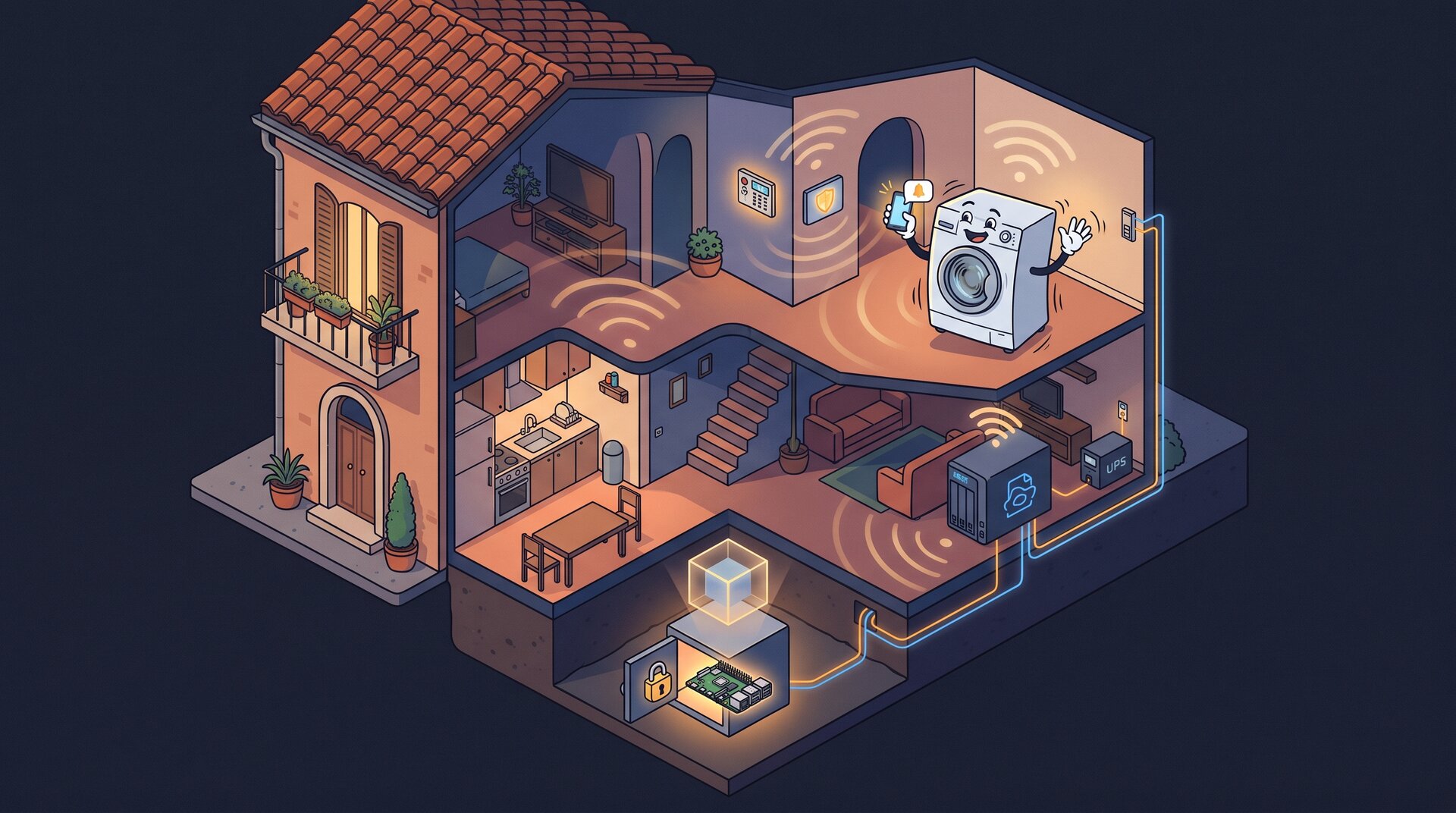
People on IRC keep asking me how my Home Assistant is set up, and someone always wants to copy it. So here’s all of it, starting from the hardware.
The order is deliberate. Automations are the visible part, but they sit on a box that can die, a disk that can be stolen and a VM that can corrupt itself during a backup. If those layers are wrong, it doesn’t matter how good the automations are.
The box: one Raspberry Pi 5, encrypted
Everything runs on nowhere, a Raspberry Pi 5 with a 1 TB NVMe drive. There’s no rack and no Proxmox cluster. It’s one Pi, and it also runs the DNS resolver, the internal certificate authority, the metrics and logs stack, the WiFi presence service, the UPS server, and the Claude Code session that’s helping me write this post.
The root filesystem is LUKS-encrypted. The firmware loads an initramfs that asks for the passphrase. Since the Pi has no keyboard attached, the initramfs also runs dropbear, so I can SSH in and unlock it remotely after a power cut. I wrote up the setup step by step in Raspberry PI 5 encrypted root with LUKS.
nvme0n1          953.9G
├─nvme0n1p1      512M   vfat         /boot/firmware
└─nvme0n1p2      953.4G crypto_LUKS
  └─cryptroot    953.3G ext4         /
This matters for Home Assistant because HAOS has no full-disk encryption option. HA’s database holds a complete history of who was home and when, when the alarm was armed and every door event. On bare-metal HAOS, anyone who walks off with the SSD walks off with all of that. Inside a LUKS volume it’s just more ciphertext.
That’s the main reason HA is a VM and not the operating system.
The VM: HAOS under libvirt/KVM
The Pi 5 has hardware virtualization, and KVM on aarch64 works fine. HAOS ships a generic aarch64 qcow2 image, and libvirt boots it like any other guest:
- 2 vCPU, 2 GB RAM,
host-passthroughCPU. That’s plenty for 300-odd entities and two dozen automations. - UEFI with Secure Boot (AAVMF firmware with the Microsoft keys enrolled), because HAOS boots via EFI anyway, and I see no reason to run it with Secure Boot off.
- qcow2 disk on virtio, a file under
/srv/haos/on the encrypted root. That one file is the whole of Home Assistant, which makes backing it up much easier (see below). - virtio NIC bridged onto the LAN (
br-lan). HA gets its own address on the home network, so mDNS, SSDP and device discovery work as if it were a physical box. NAT would have broken half of discovery. - A USB Bluetooth dongle passed through to the guest, because HA’s Bluetooth integrations want a real adapter. The toothbrush reports how long you brushed, and of course it goes into Home Assistant.
- A virtio-serial channel for the QEMU guest agent. That single line in the domain XML is what makes consistent backups possible. HAOS ships the guest agent, so all I had to do was add the channel.
I run HA as a VM and not as a container on the host because HAOS is the supported configuration. With HAOS you get the supervisor, the add-ons and one-click updates. The “container” install is officially supported too, but it drops the supervisor and add-ons, and then I’d have to run Mosquitto and the Matter server myself. A VM gives me the full appliance experience with my own disk encryption underneath.
Backups, layer one: the whole box, every night
systemd runs the backup at 02:00, with up to 15 minutes of random delay.
It runs restic against a repository on the Synology
NAS (wolfgang), mounted over NFS. Restic encrypts the data and the NAS
share doesn’t. The threat model is someone stealing the NAS, and the restic
password exists only on the Pi (plus one copy in a place I won’t name
here).
Backing up the whole filesystem is easy. The hard part is the running VM, because a qcow2 copied while the guest writes to it is a coin toss: half the blocks from before a write and half from after. SQLite in particular doesn’t forgive that.
The fix is a quiesced, external, disk-only snapshot:
virsh snapshot-create-as --domain haos backup-snapshot \
  --diskspec vda,file=/srv/haos/haos.qcow2.snap \
  --disk-only --quiesce --no-metadata
In order, this is what happens:
- libvirt asks the guest agent inside HAOS to freeze the filesystems
(
fsfreeze). The guest flushes its dirty pages to disk and holds new writes, so the on-disk image is consistent. - libvirt creates an overlay (
haos.qcow2.snap) and switches the VM’s writes to it. The originalhaos.qcow2becomes read-only. - The guest is thawed. It was frozen for a fraction of a second, and HA doesn’t notice.
Restic then backs up haos.qcow2 without hurrying, since nothing is
writing to it anymore. When the backup finishes, the overlay gets merged
back:
virsh blockcommit haos vda --active --pivot --wait
--active commits from the live top layer, --pivot switches the VM back
onto the base image once the merge is done, and --wait blocks until it
has. The overlay is then deleted.
The full nightly sequence:
- Check the previous run. If the VM is still running on a
.snapoverlay, the last backup died halfway. Blockcommit first. If that fails too, the script stops and yells at me. I don’t stack a second overlay on top of a half-broken one. - Quiesced snapshot of the HAOS disk.
- Flush VictoriaMetrics and VictoriaLogs, so their in-memory buffers are on disk before restic reads them.
docker image prune -a: every container rebuilds from its Dockerfile, so there’s no reason to back up gigabytes of image layers.restic backupof the whole filesystem.restic forget --prune: keep 7 daily, 4 weekly and 6 monthly.- Blockcommit the VM back onto its base disk.
The echo lines in the script are full of Italian blasphemy. It’s the emotional state of whoever wrote it, kept on purpose.
Disaster recovery
A backup you can’t restore doesn’t count. The same repo builds a
recovery SD image with debootstrap, and that image lives on the NAS
next to the restic repository. If the NVMe dies:
- Flash the image to an SD card and boot the Pi from it.
- Run
restore. It’s an interactive wizard that mounts the NAS, lists the restic snapshots, partitions the new SSD, sets up LUKS and restores. - Pull the SD and reboot from the SSD.
HA comes back together with everything else, because it’s just a qcow2 file in the snapshot.
Backups, layer two: Home Assistant’s own
HA also takes its own native backups, daily, keeping 30 copies, both locally and on the NAS through the Synology integration. They’re encrypted (SecureTar, with a key HA generates and you have to store somewhere) and include the database.
Two layers isn’t paranoia. They serve different purposes:
- The VM image restores the whole system exactly as it was: OS, add-ons, everything. It’s the one you use when the disk dies.
- HA backups let you pull out one thing: the config, an add-on, or the database from three weeks ago.
The second one paid off today. I was analysing a washing machine’s usage (more on that below), and HA’s recorder had been sitting at its default 10-day retention. Ten days isn’t enough to learn anyone’s habits. The older data was still in the nightly HA backups, though. I decrypted three of them, pulled the recorder database out of each, merged them, and ended up with five weeks of history instead of ten days. Then I raised the recorder retention to a year, so I won’t need to do that again.
What feeds Home Assistant
HA doesn’t do everything itself. Several things around it push data in.
RSSI per station] --> eve[eve
presence service] eve -->|MQTT| ha[Home Assistant
HAOS VM] gps[Companion app
GPS zones] --> ha ups[3 UPS units
NUT servers] --> upsmon[upsmon on the host] upsmon -->|MQTT nut/notify| ha ups -.->|60s polling fallback| ha verisure[Verisure alarm] -->|custom integration| ha arlo[Arlo cameras] -->|eisenberg| ha ha --> phones[Phone push
one group, two phones]
Presence: GPS and WiFi, and only one of them can open the door
There are two sources:
- GPS, from the HA Companion app on our phones. It’s zone-based, so “home” or “not home”.
- WiFi, from a service I wrote (openwrt-ha-presence) that reads each station’s RSSI straight from the OpenWrt access points. The strongest AP decides the room. It’s room-level presence with no BLE beacons and no cloud. I covered the details in WiFi Presence Detection for Home Assistant Using OpenWrt.
On top of these I built a few template sensors: residents home, anyone home (residents plus people who aren’t residents but come and go), and residents in bed, which uses the room-level WiFi data.
The rule that took the longest to get right is about trust. WiFi can arm the alarm. It can never disarm it on arrival. Anyone who associates to an access point with the right MAC “arrives” according to WiFi, and MAC addresses are trivial to spoof. GPS from a phone logged into the HA app is much harder to fake. So when someone leaves, either source can say the house is empty, and that arms the alarm, which is the safe direction to be wrong. Arriving home needs GPS.
UPS: three units, three paths
There are three UPS units: one for the Pi and the gateway, one for the NAS and the TV, and one for my workstation. That last one is plugged into pingu, which runs NUT on OpenWrt. Each UPS has a NUT server, and three different consumers read from them:
upsmonon the host watches all three and runs a small script on every event (on battery, back on line, low battery) that publishes to MQTTnut/notify. HA picks it up and sends a push instantly.
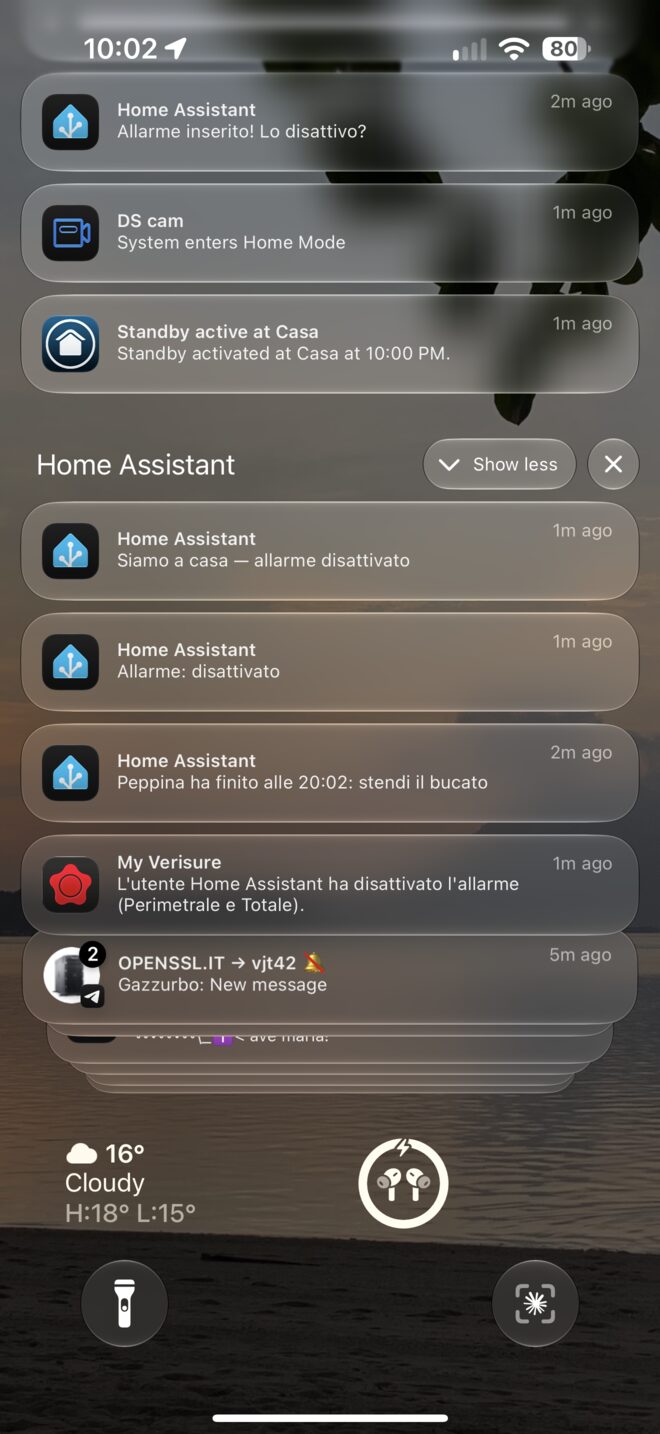
That’s the part that matters most: when the power goes, my phone gets a critical notification, the kind that rings through silent mode and Do Not Disturb. A blackout at 3 AM is exactly when you want to be woken up, because the UPS clock is already running.
- HA’s NUT integration polls each UPS every 60 seconds. That’s the fallback for when MQTT or the host-side script is the thing that broke.
- Telegraf scrapes all three every 10 seconds into VictoriaMetrics, for dashboards and long-term graphs.
The notification texts are all in Italian, and they’re mapped from NUT’s
event types, so we get “a batteria” and not ONBATT.
The alarm
The alarm is a Verisure system. The official app is slow, full of ads and can’t be automated, so I replaced it with a custom integration (ha-verisure-italy), written up in How I replaced the Verisure app with Home Assistant. With the integration in place, the automations do the work.
I’m deliberately not publishing the exact conditions here: this is the alarm of a house where people live. Here’s the shape of it:
- Last one out arms it. When the house goes empty, a script arms in away mode and checks that the arm went through. If it didn’t, a critical push goes out.
- Safety net. Every five minutes, and every time the alarm goes to disarmed: if the house is empty and the alarm is off, arm it and send a critical notification. This exists because the primary automation will miss eventually, and the safety net catches it when it does.
- Open windows. If an away-arm fails because of an open zone, HA tells us which window and then force-arms (the integration exposes that). If the night arm fails, it does not force anything: we’re home, so someone gets up and closes the window.
- Night mode turns on when both of us are actually in the bedroom, and room-level WiFi presence is what makes that possible.
- Arriving home: you get an actionable notification with a “Disattiva” button.
- The alarm itself breaking: if the integration reports a state code it doesn’t recognize, or the entity stays unavailable for five minutes, a critical push goes out. A broken alarm integration means the automations stop silently, and silence is the worst way for a security system to fail.
There’s also a kill switch: one switch turns every alarm automation off. It gets used before any risky change, for a reason I explain at the end.
Cameras follow the alarm. The Arlo outdoor camera (via Eisenberg, my Arlo integration) and Synology Surveillance Station on the NAS record when the house is armed away and go quiet when we’re home. Nobody wants a camera recording their own living room.
All notifications go to one notify group that fans out to both phones, so there’s one call per message, the texts are in Italian, and nothing ends up on only one phone because someone forgot to copy a line.
Peppina: the washing machine that nags
This is the part people on IRC ask about most.
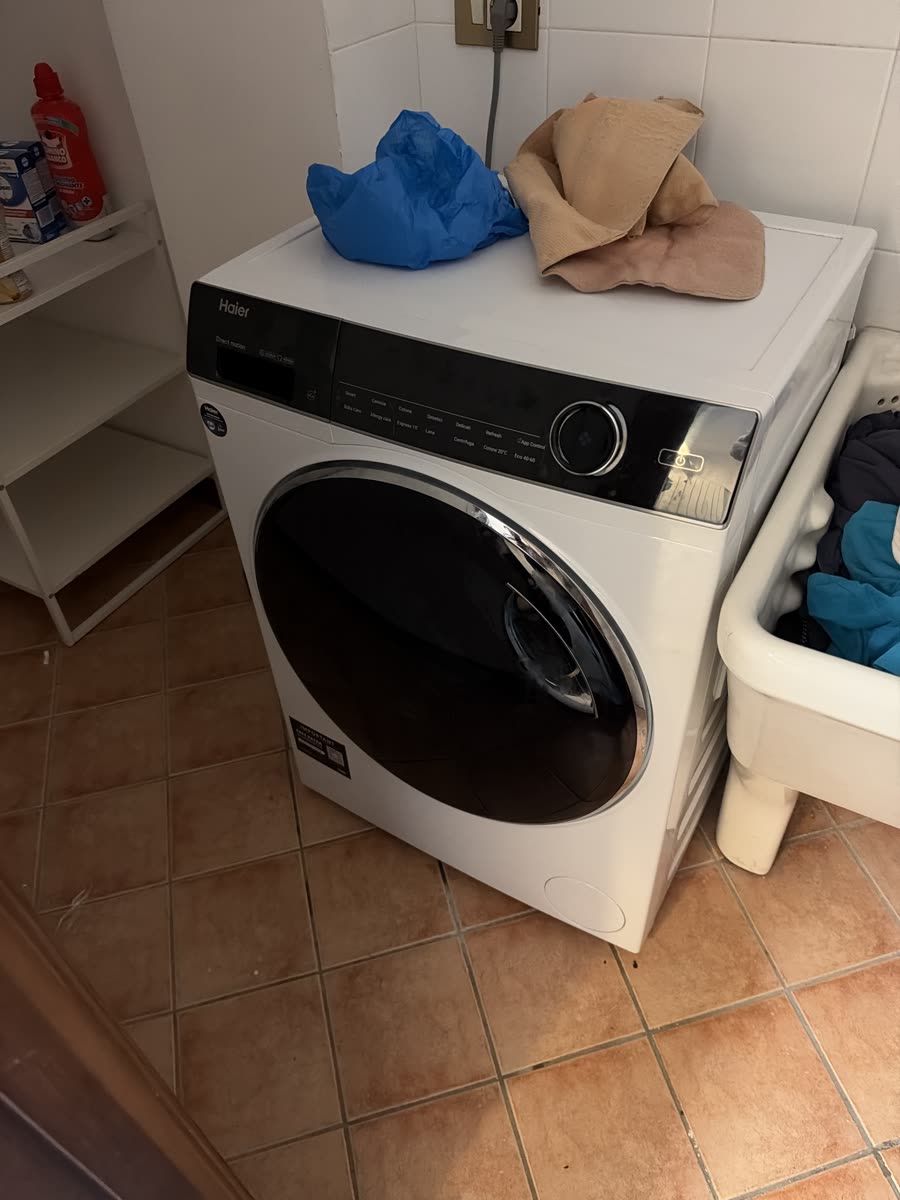
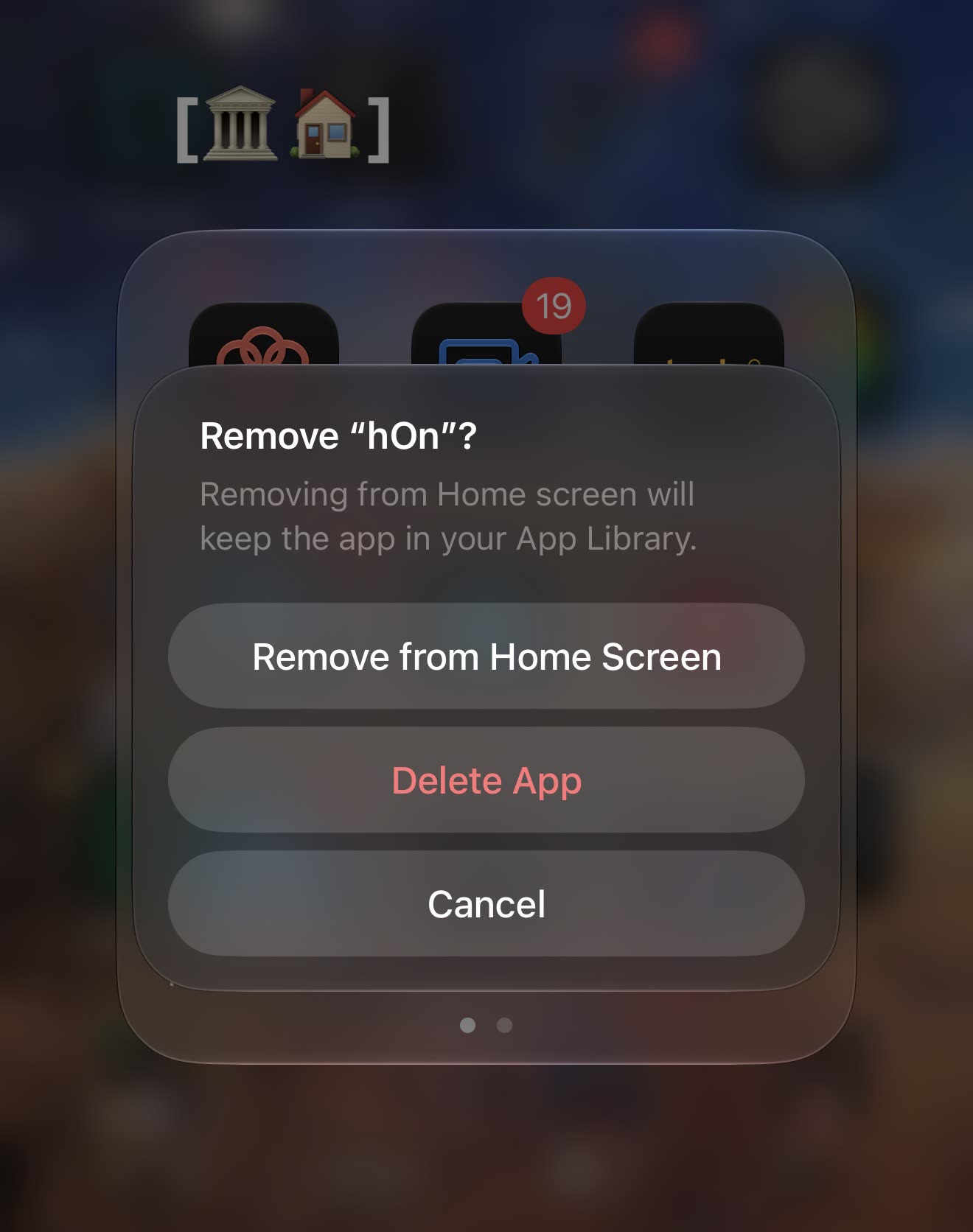
Peppina is our washing machine, on Haier’s hOn cloud. The official hOn app is a steaming pile of garbage 🤬🤬🤬 and it can’t automate anything. So it lives in Home Assistant now. The community hon integration reads it fine, but it can’t stop a program or schedule a delayed start that HA owns. So I wrote Peppina: program selector, start and stop buttons, and a delayed start that HA schedules itself and that survives a restart. It started as an add-on riding hon’s connection; since version 0.3.0 it talks to the hOn cloud with its own small client, logs in by itself, and hon is gone.
Here it is starting a drum-clean cycle from Home Assistant, nobody touching the panel:
And this is how the official app ended:
The integration didn’t solve the actual problem, which is a human one. You load the machine, enable remote control on the panel so HA can start it, and then forget to start it. The next morning the laundry is still in the drum, dirty, never washed.
So first I looked at the data: five weeks of history, the ones I’d recovered from the backups. When does the machine get loaded, and when does the cycle start? I cross-referenced that with when our housekeeper is in the house. From there the rules were easy to write:
- Loaded in the afternoon or evening: schedule it to finish at 09:00 the next morning, so it doesn’t sit wet overnight. If the housekeeper is home in the afternoon, start it right away instead.
- Loaded in the morning with her home: start it now, since she’ll be there to hang it out.
- Loaded in the morning without her: finish at 13:30.
- A delayed start set by hand is never overridden.
Then there are three guards around that:
- Start watchdog. Five minutes after the planned start, if the machine isn’t washing (door open, hOn refusing, HA down at the wrong moment), I get a critical push. I measured the delay: from scheduled start to the machine reporting “washing” takes about 46 seconds.
- Remote control switched off before the delayed start: the pending start gets cancelled, because otherwise it would just fail.
- The nag. When the cycle ends, a “da stendere” (needs hanging) flag turns on, and every hour from 07:00 to 23:00, whoever of us is home gets a push with a “Stesa” (hung) button, plus one the moment one of us walks in the door, because that’s when we can actually do something about it. It stops when someone taps the button, or when the machine is switched on again after five minutes off. hOn drops off the network for about a minute at a time, and the five minutes keep those blips from counting.

The nag went through three versions. First it only ran while I was home, every fifteen minutes. Then it ran everywhere, hourly: I’m not home, the wet laundry is, and it’s still going sour. But a push I can’t act on is just noise, and my wife at university doesn’t need one in the middle of a lecture. So now it goes to whoever is home, and only after six hours wet in the drum does it turn critical and reach both of us, wherever we are.
On top of that it has a dashboard: one full-page card with the machine drawn in SVG. The drum turns while it washes and the whole thing shakes on the spin cycle. It’s useless, and it’s my favourite thing in the house.
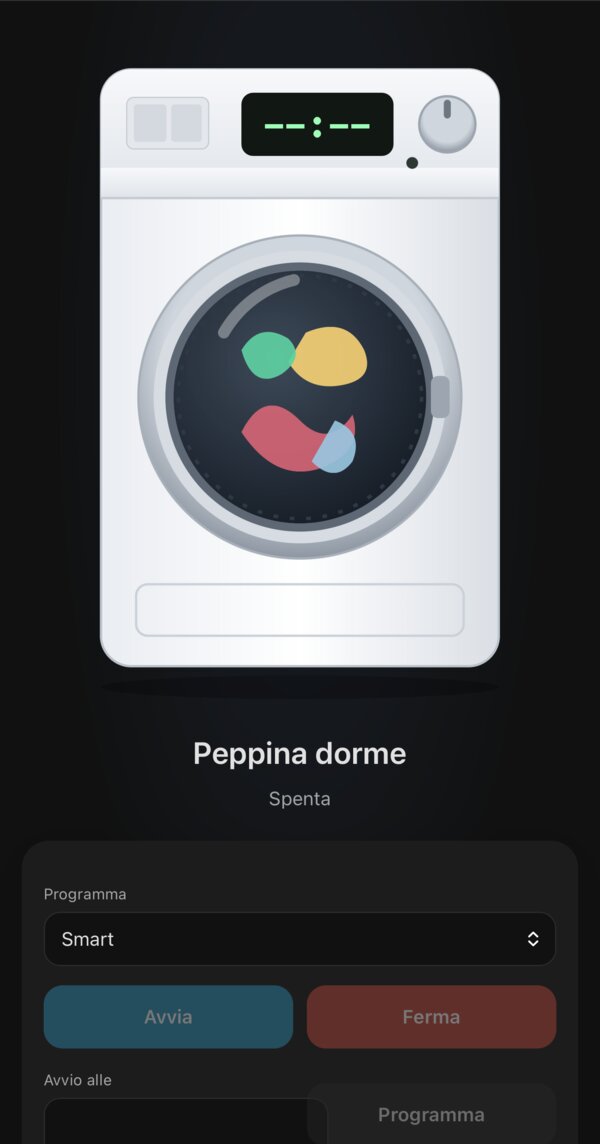
And here it is washing, on the phone:
And on the spin cycle, shaking for real:
Filippa: her sister, the dishwasher
Filippa is our Bosch dishwasher. Unlike Peppina, she already had a decent
way into Home Assistant: the core Home Connect integration, with
changes pushed by the cloud. What it doesn’t give you is a way to use
her: twelve program keys like dishcare_dishwasher_program_kurz_60, a pile
of option switches that come and go with the program, and a start service
you fill in by hand.
So Filippa adds no cloud client of her own. She sits on top of the home_connect entities, learns from their history how often each program runs and how long it really takes (on day one she pulled nine cycles out of the recorder: the machine estimated 155 minutes for the last one, it took 152), and gives the dishwasher the same treatment as her sister: programs in plain Italian, most used first, option pills, start, and a stop that asks twice, because a cycle stopped by mistake leaves you with wet, dirty dishes. She never sends a delayed start.
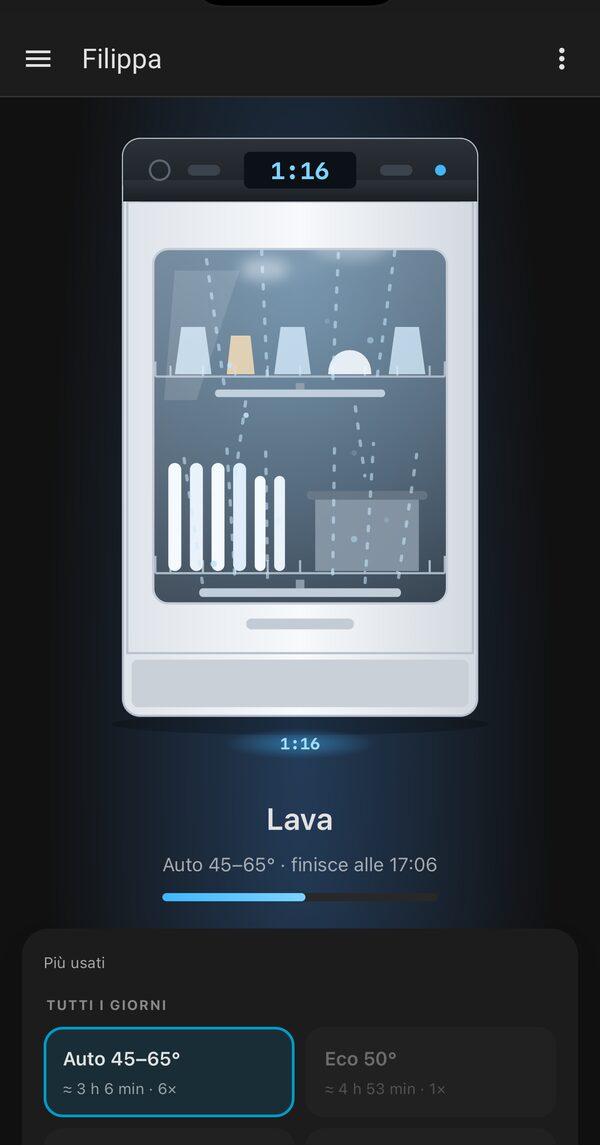
The spray arms turn, water fans out, steam rises, and the remaining time shows on the display and on the floor, like Bosch’s TimeLight:
She doesn’t nag yet.
The rest of it
Without much commentary: tado for heating, Sonos, a Reolink camera, the LG TV with Wake-on-LAN (the webOS integration can’t turn the TV on, so a WoL packet does it), SwitchBot, Matter/Thread devices through the Matter server add-on, Mosquitto as the MQTT broker, a phone-battery alert for each of us, and the Oral-B toothbrush.
How it’s managed: git, YAML, and Claude
The whole HA config lives in a private git repository. Automations are
YAML files split by domain (alarm.yaml, ups.yaml, peppina.yaml…).
The UI’s own automations.yaml stays empty, and HA doesn’t touch the
directory I manage.
The workflow:
pull.shcopies the config off HAOS (tar over SSH) to catch anything changed from the UI.- I edit the files, or more often Claude Code edits them while I tell it what I want.
push.shsends them back, then I reload the domain I changed, and I restart HA only when a change really needs it.
There are a few rules. Never round-trip HA’s YAML through PyYAML,
because it eats the Jinja templates. .storage/ is read-only reference
and never gets pushed back. And there’s a rule written in blood, from
today.
The day the alarm armed itself with everyone home
This afternoon I changed the presence templates and reloaded them. A template reload recreates the entities: for a split second presence read off, the “last one out” automation fired, and the alarm armed in away mode with both of us in the house.
The fixes: a few seconds of debounce on “house is empty”, unavailable
instead of off while the inputs aren’t ready, and a rule now written in
the repo’s CLAUDE.md: kill switch off before reloading templates.
Sensors lie; one transition must never decide something irreversible.
Pieces you can take
Most of this is mine and published:
- openwrt-ha-presence: room-level WiFi presence from OpenWrt APs
- ha-verisure-italy: Verisure Italy alarm integration
- ha-eisenberg: Arlo cameras
- peppina: hOn washing machine controls and the dancing dashboard
- filippa: the same, for a Home Connect dishwasher, on top of the core integration
The backup scripts and the HA config itself stay private, because they describe my house. But this post covers what they do, and the snapshot dance above is the part worth copying.